
Manual/Browser Test
Test a proxy manually in your browser to determine whether an issue is caused by the proxy, bot protection, or another part of your setup.
How Can I Determine If a Proxy Is Blocked on a Website?
Section titled “How Can I Determine If a Proxy Is Blocked on a Website?”If you suspect a proxy is blocked because automation software is receiving bot protection errors, CAPTCHAs, failed requests, we recommend performing a manual browser test before open a support ticket.
Manual testing helps determine whether the issue is related to the proxy itself or another factor such as your software configuration, browser fingerprint, cookies, account, or automation setup.
Recommend Tools:
Section titled “Recommend Tools:”BP Proxy Switcher: https://chromewebstore.google.com/detail/bp-proxy-switcher/bapeomcobggcdleohggighcjbeeglhbn?pli=1
Section titled “BP Proxy Switcher: https://chromewebstore.google.com/detail/bp-proxy-switcher/bapeomcobggcdleohggighcjbeeglhbn?pli=1”-
Create a New Chrome Profile
Section titled “Create a New Chrome Profile”We personally recommend creating a new and separate Chrome profile just for BP Proxy Switcher
-
Install the BP Proxy Switcher Extension in Chrome
Section titled “Install the BP Proxy Switcher Extension in Chrome”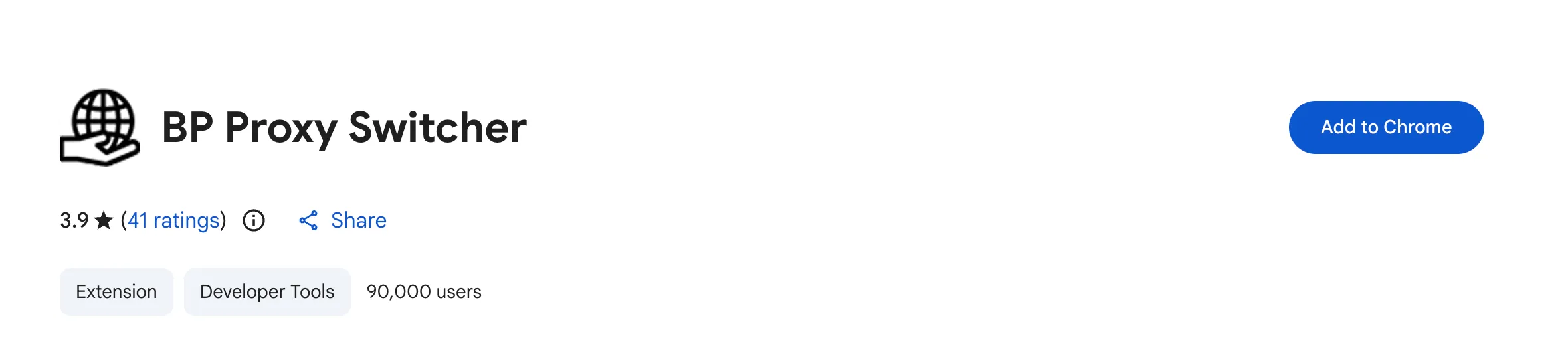
-
Delete Tab: check all.
Section titled “Delete Tab: check all.”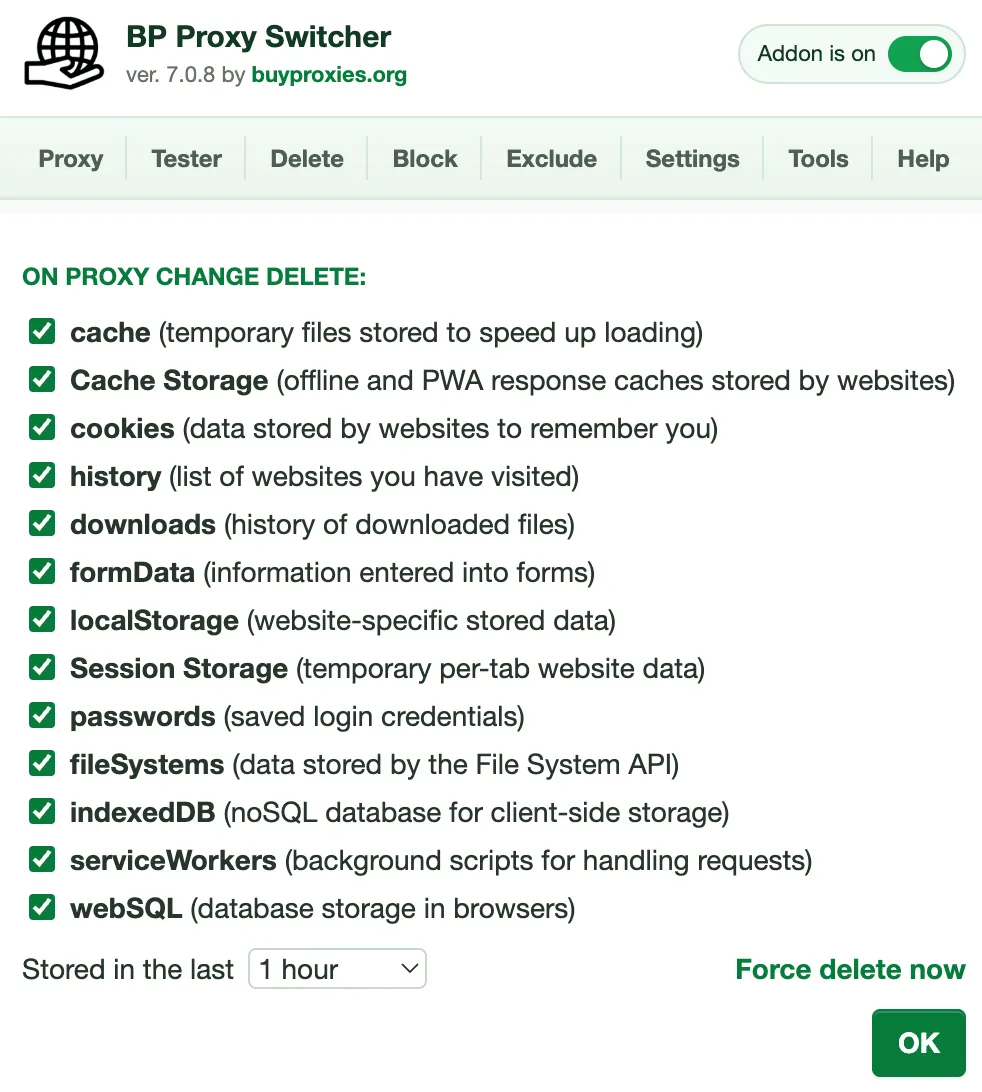
-
Proxy Tab:
Section titled “Proxy Tab:”- Click Edit
- Paste list of proxies in
ip:port:username:passwordformat, Click Ok - Select the proxy you’d like to test
- Open a new browser tab and navigate to the website where you are experiencing issues
- Perform normal user actions such browsing product pages, searching for products, adding item to cart, proceeding through a checkout, logging into an account, etc.
Interpreting the Results:
Section titled “Interpreting the Results:”If you can successfully browse the website, add items to cart, and navigate through the checkout process, the proxy is likely functioning correctly. Then you would want to start troubleshooting with the bot support
Before Opening a Support Ticket:
Section titled “Before Opening a Support Ticket:”Please include the following information:
- The proxy being tested
- The target website
- Screenshots of any error messages
- Results of your manual browser test
Providing this information allows our team to investigate more efficiently.